Quick answer
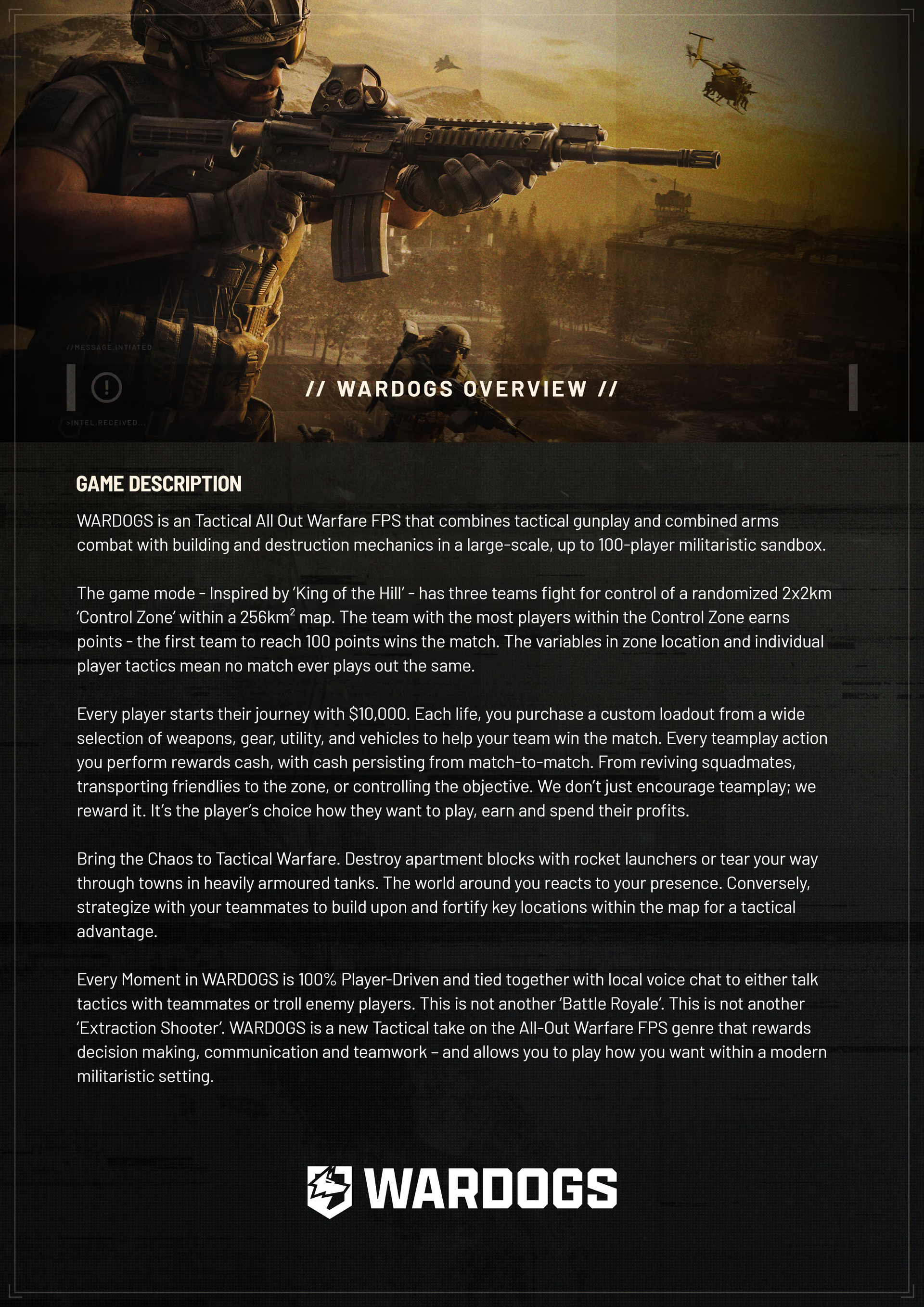
The WARDOGS press kit groups imagery and creator-facing assets: key art, logos, screenshots, trailer masters, and a dense one-page explainer.
Players can use the official images to recognize factions, vehicles, terrain, destruction, and the combined-arms presentation. Creators can use the collection to select appropriate official media.
What should players use it for?
Players can use the related pages to browse official images, understand trailer context, and move from a visual subject to the relevant gameplay guide.
What should creators use it for?
Creators can use it to find the right kind of official asset:
- Key art for article headers.
- Logos or full marks for thumbnails and overlays.
- 4K screenshots for scene inspection.
- Trailer masters for high-quality editing workflows.
- The one-page explainer for compact factual reference.
Always preserve the distinction between official promotional assets and final gameplay rules.
What is included in the one-page explainer?
The explainer is useful because it collects high-level pillars: 100-player scale, three-team Control Zone, 2 x 2 km active zone inside a larger battlefield, persistent Cash, per-life purchases, teamplay rewards, building, destruction, and local voice.
Detailed item prices, exact score timing, weapon damage, vehicle values, and full launch roster details belong in build-specific pages.
Related questions
| Question | Page |
|---|---|
| Which environments and vehicles appear in official images? | Official screenshots |
| Which systems appear in gameplay footage? | Gameplay trailer |
| How does the Control Zone work? | Control Zone |
| What should I understand first? | Start questions |
Sources
- Team17's WARDOGS reveal announcement for publisher media and announcement context.
- BULKHEAD's WARDOGS page for current official game media.